top of page

From vouchers and receipts to invoices and product details, explore our innovative use cases below!
See What a Payment QR Can Carry


Create the pair
Add up to three links to a standard SGQR, such as a voucher, a receipt or an invoice. EcoQPay encrypts them into an EcoQPay QR and generates its matching EcoQCode
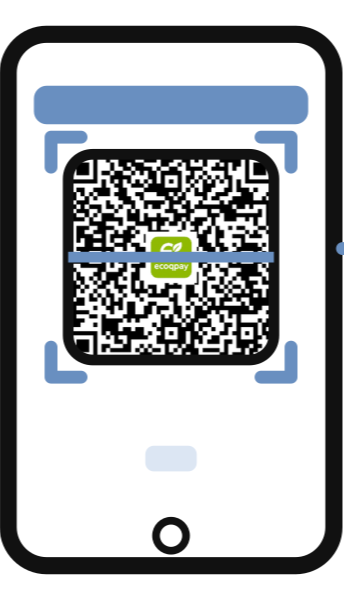
Scan and unlock
In the EcoQPay app, the customer scans the EcoQPay QR first, then the EcoQCode. The EcoQCode unlocks the attached information.

Pay as usual
Every EcoQPay QR is still a valid SGQR, so the customer pays with the banking app they already use. Nothing changes on the bank side, and EcoQPay does not process the payment.
How EcoQPay Works

EcoQPay attaches information to the payment QR itself. Here is where it fits.

Invoices & Marketing
Attach an invoice or contract link to a high-value payment, so the payer sees the right document at the point of scan instead of checking through a separate channel.

Digital Receipts
Attach a link to a digital receipt from your own system, so customers see the details at the point of payment.

Vouchers & Promotions
Attach a voucher or promotion link to a payment QR. Customers scan the EcoQPay QR and the EcoQCode to unlock and redeem it at the counter.

Ticket & Passes
Attach a ticket or pass link to a payment, for events or transport, so the purchase and the pass stay together.

Digital Product Passports
Attach a link to a product's digital passport to a purchase, so customers can unlock product information at the point of sale.

Directed Payments
Lock a payment QR so only the intended payer, holding the matching EcoQCode, can unlock it and pay. Suited to high-value requests between businesses.

Tamper-Evident Payments
Everything the code carries is encrypted with AES-256-GCM. When scanned in the EcoQPay app, a tempered cide fails verification before any data is exposed for payment.

bottom of page